
Welcome to the FryMeasure
Color Management System.
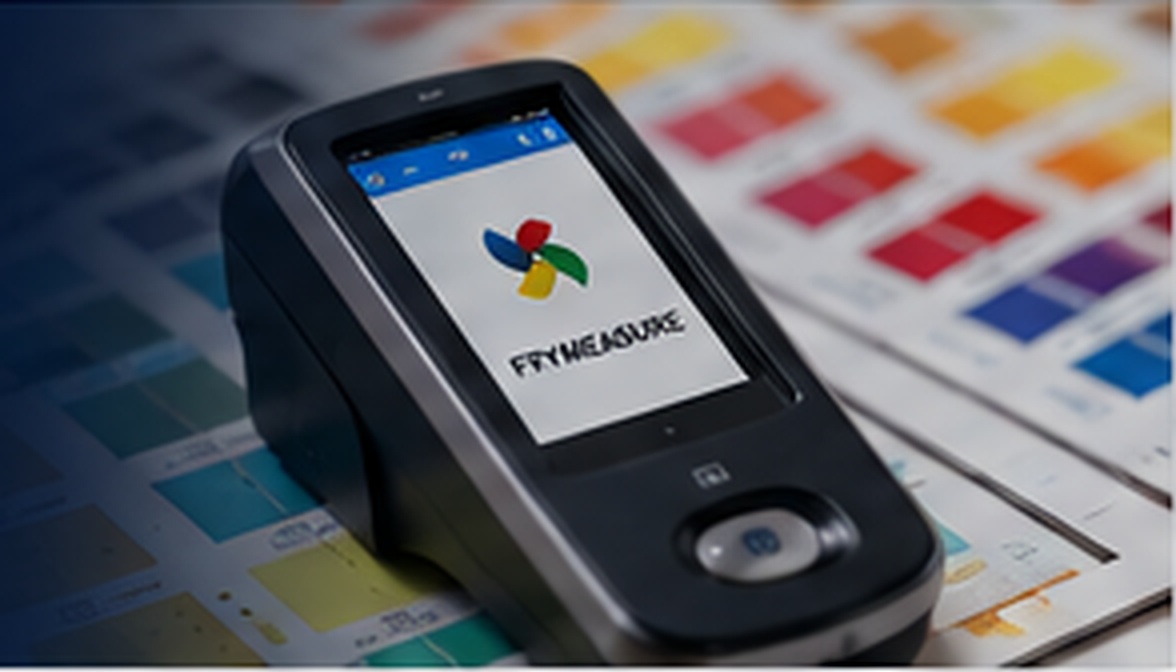
J.M. Fry Inks and NIX Sensor have partnered to bring practical, reliable color management directly to the pressroom through the FryMeasure.
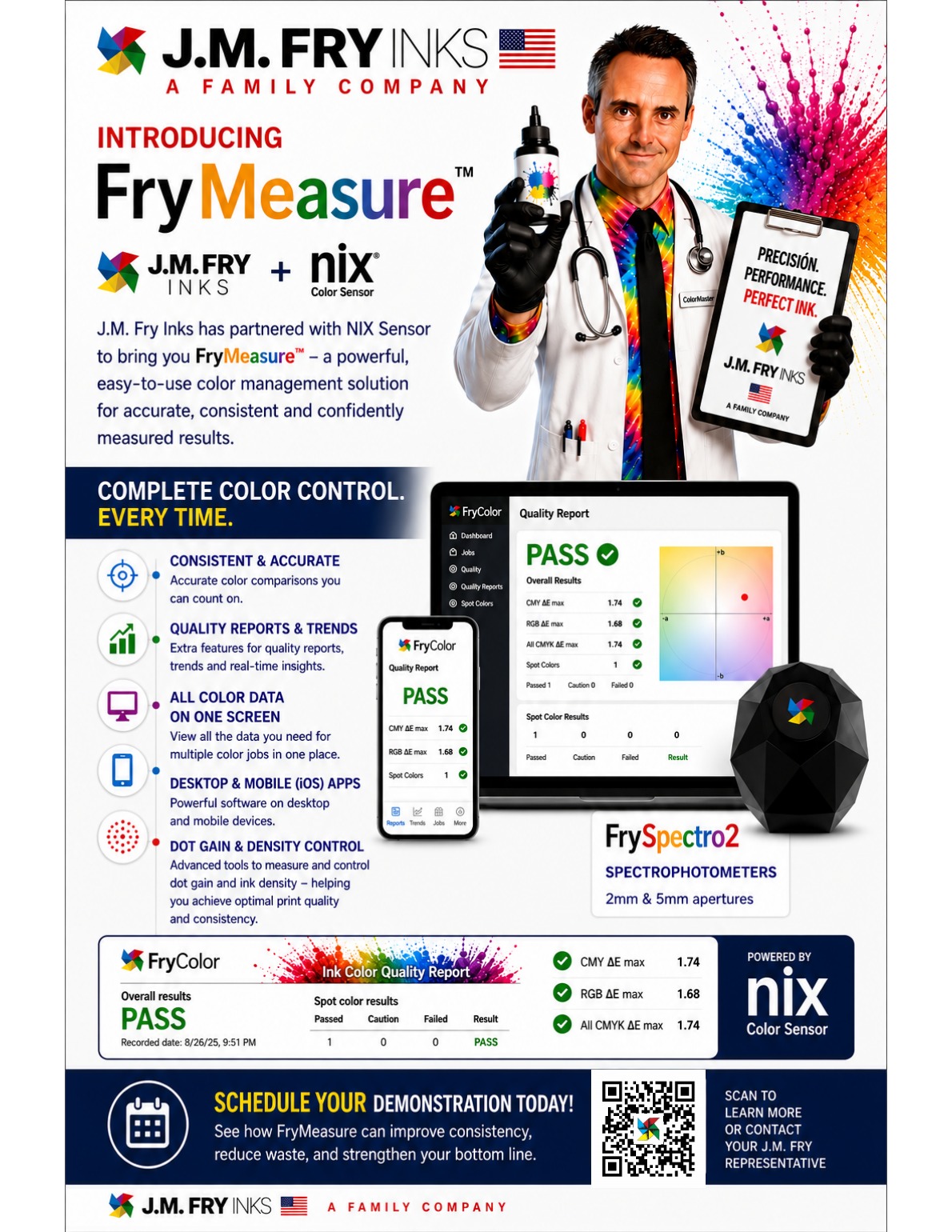
FryMeasure combines J.M. Fry Inks color expertise with NIX Sensor measurement technology, using FryColor software and FrySpectro2 spectrophotometers for color comparisons, reporting, trends, dot gain, and density control.
Evaluate color standards and production readings quickly, create useful records for customers, production, and quality teams, and track trends, dot gain, density, and repeatability over time.
Compare
Evaluate color standards and production readings quickly.
Report
Create useful records for customers, production, and quality teams.
Control
Track trends, dot gain, density, and repeatability over time.
Check Your FrySpectro.
Protect Color Accuracy.
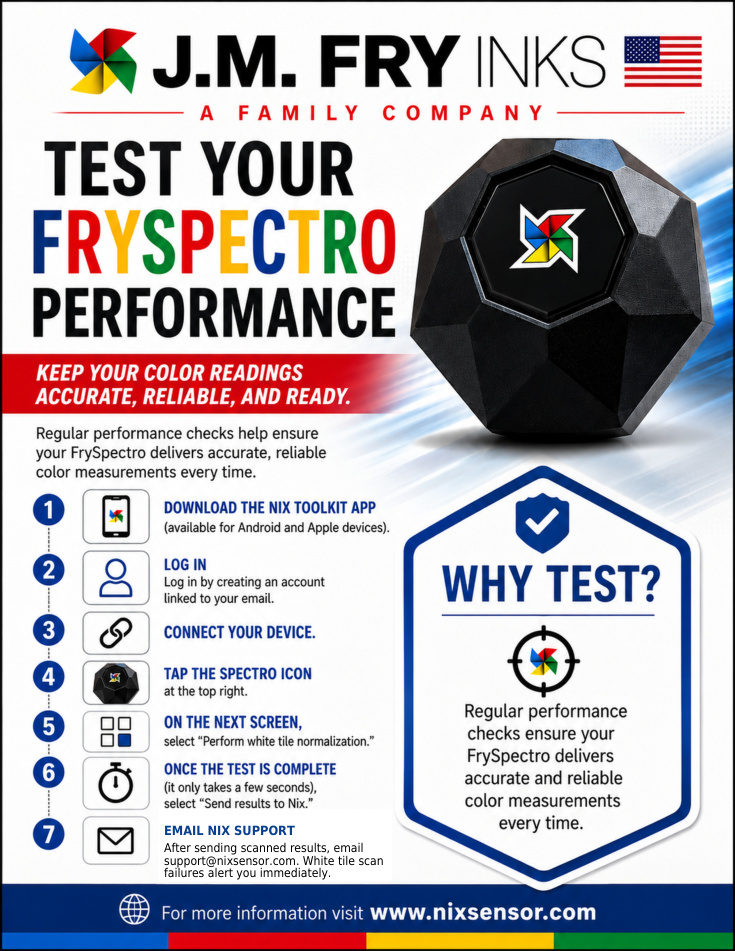
Regular FrySpectro performance checks help confirm that the device is delivering accurate and reliable color measurements.
- Download the NIX Toolkit app and log in.
- Connect the FrySpectro and select the Spectro icon.
- Run “Perform white tile normalization.”
- After the test, select “Send results to Nix.”
- Email the scanned results to support@nixsensor.com.
White tile scan failures alert you immediately so you know when the performance check does not pass.
Clear PASS/FAIL Results.
Useful Production Records.
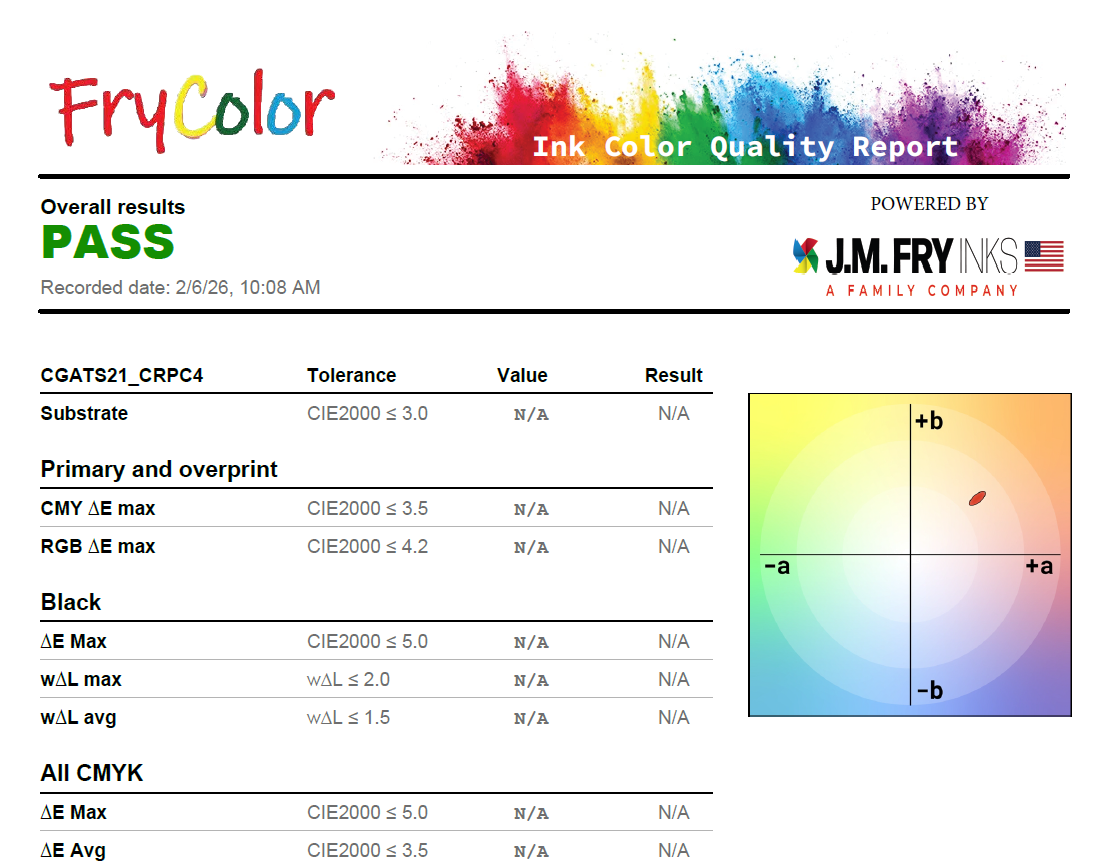
Include clear PASS/FAIL results, tolerances, recorded dates, and visual color-position reporting for production and customer review.
- Quality reports
- Color tolerance checks
- Production records